
Create detailed FF&E specifications.
Keep product details, components, quantities, and instructions together as your selections develop.
Book a demo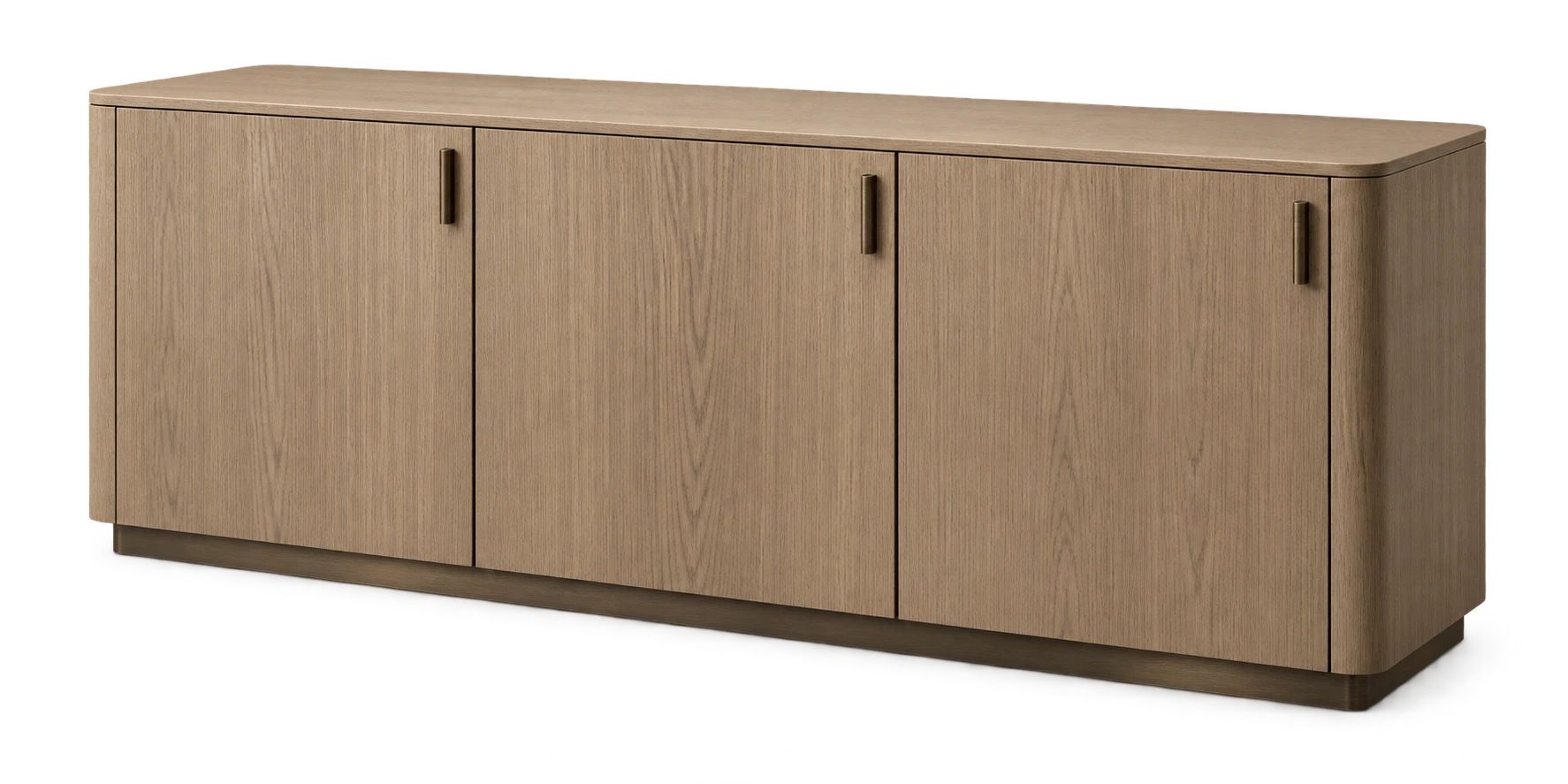

Reduce mistakes and rework.
Missing or inconsistent details can lead to the wrong product being ordered or installed. Gather helps your team keep specifications clear and complete.
Use the fields your firm needs.
Set up fields for each product type, from dimensions and finishes to electrical and material requirements.
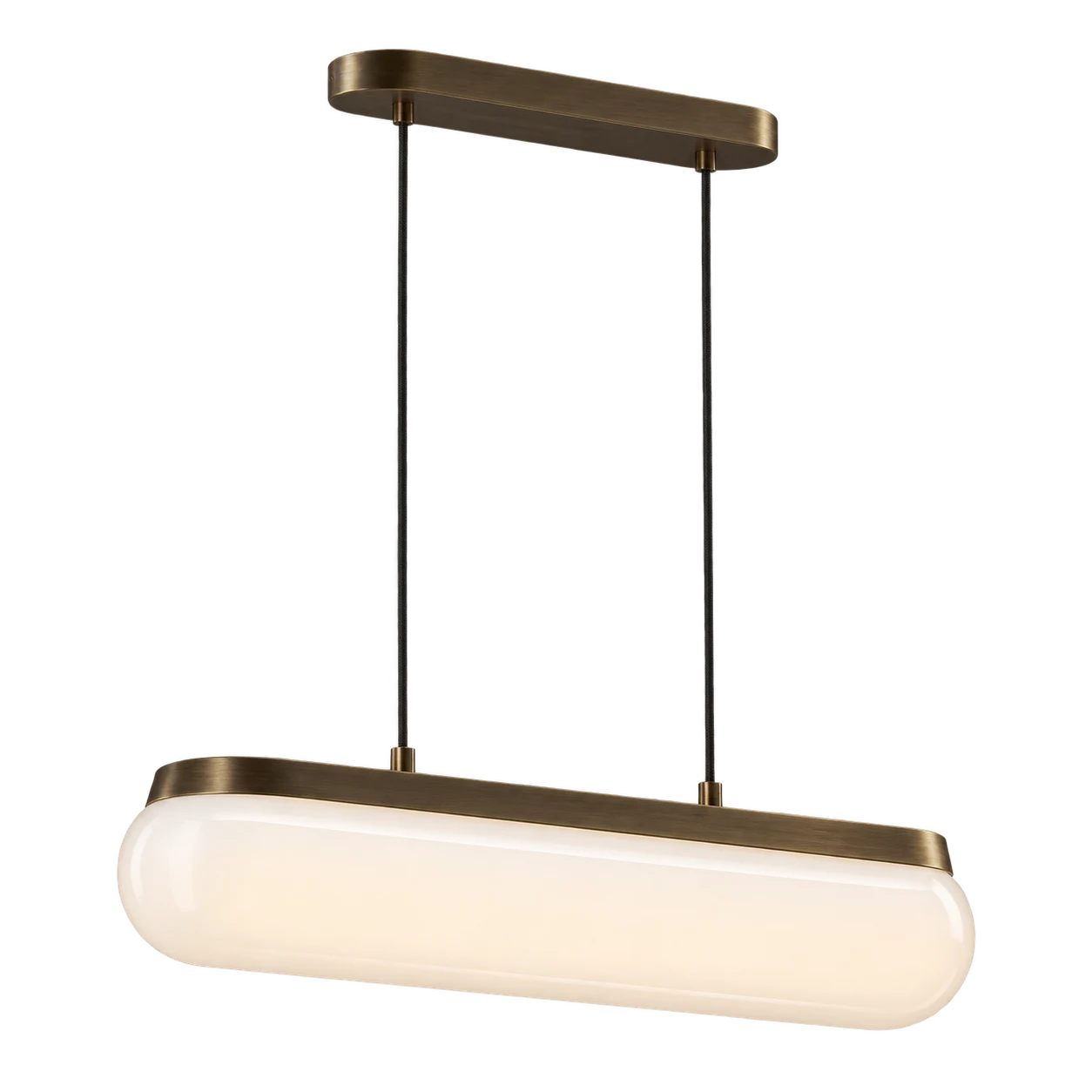
Specify products and their components.
Detail the fabric for a chair or the bulb for a light fixture alongside the product.
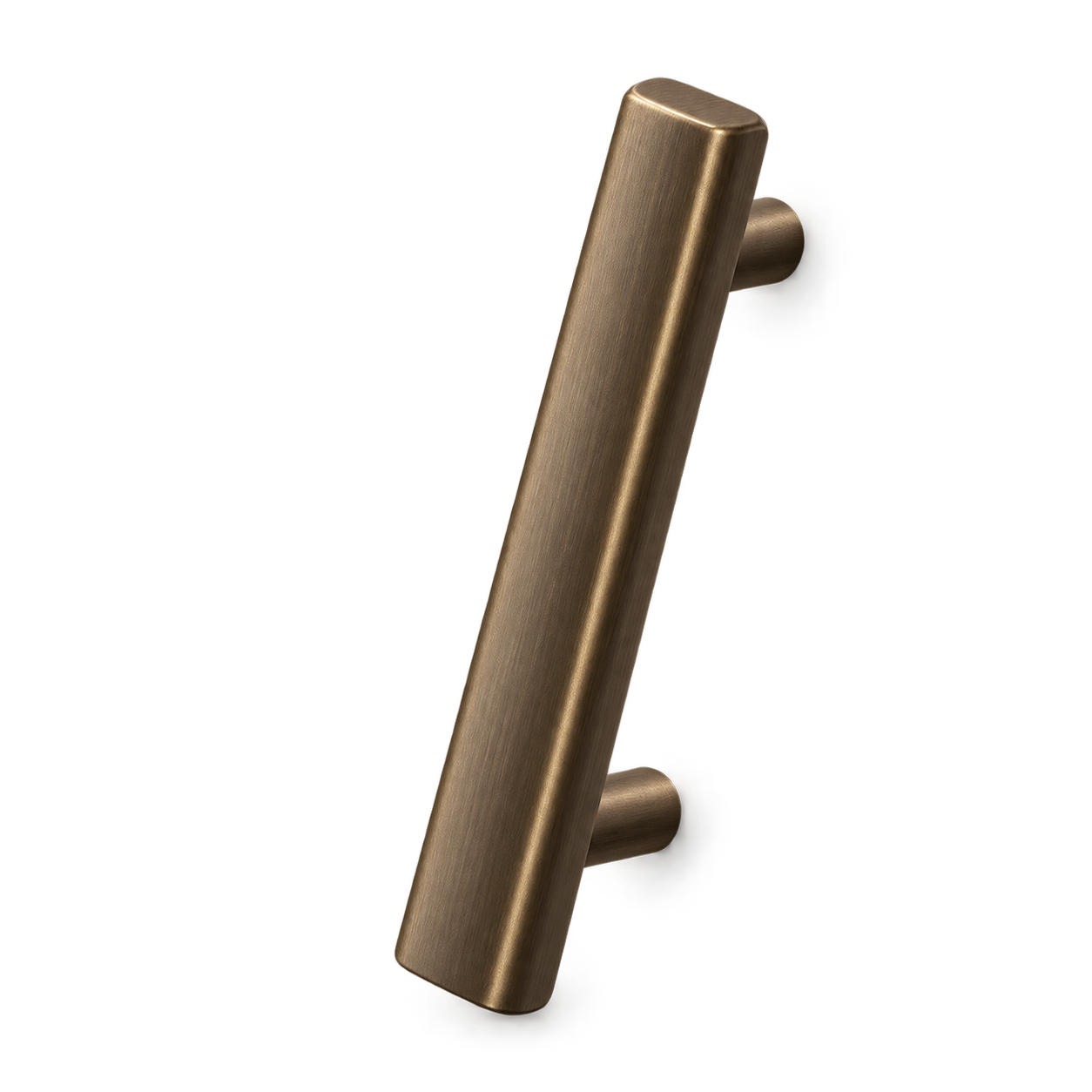
Set quantities for each area.
Specify a product once and set quantities for each room or area where it's used.
Keep drawings and documents with each item.
Save product sheets, supplier quotes, and other reference files with the specification.
Set instructions and approval requirements.
Apply your firm's standard instructions. Specify samples, shop drawings, and other items that need your approval before fabrication.
Work visually or in a spreadsheet.
Review product images, or sort and edit details in a spreadsheet view. Both use the same product information.
More specification tools.
Generate item codes. Enter codes manually or generate them from your naming rules.
Organize with tags. Use your own labels to organize and filter product selections.
Edit multiple items. Update details across several selections with a single bulk edit.
Track item status. See where each product selection stands as the work progresses.
Calculate product pricing. Calculate discounts, markups, tax, freight, and your client's total price.
Keep supplier contacts. Keep supplier and manufacturer details with the products you specify.
Discuss each selection. Keep questions and feedback alongside the product details they concern.
Reuse saved products. Reuse saved products and specifications when starting your next project.

See Gather's specification tools in action.
Walk through a specification built around the details your firm needs.